
Product guide
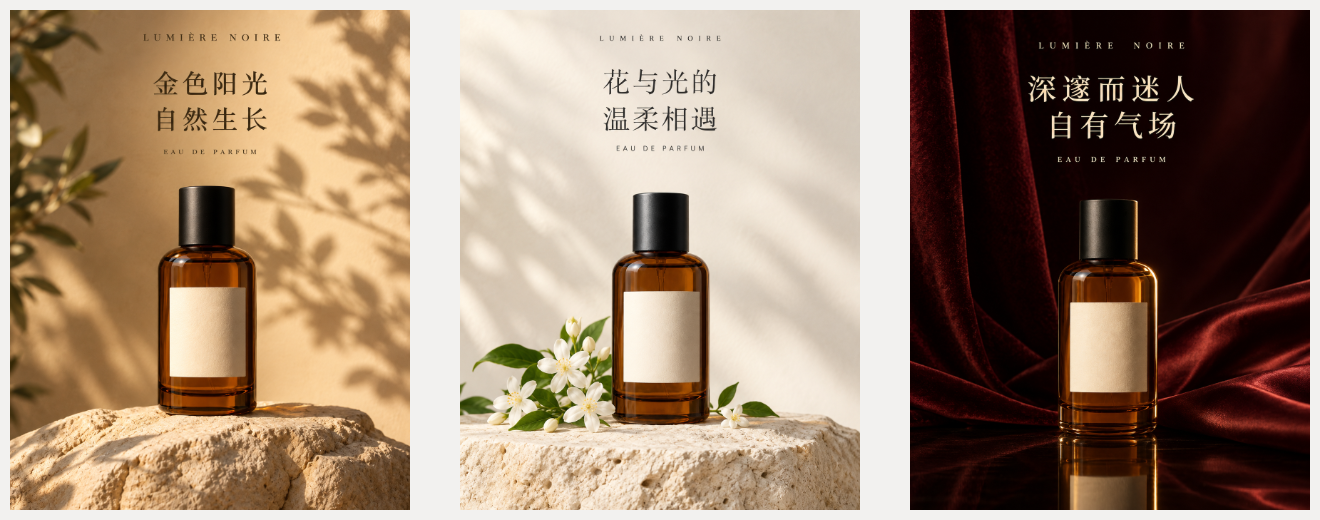
How to Create Three Perfume Ad Directions from One Reference
Explore a real CubbieAI perfume demo: one reference, three ad directions, original prompts, and the checks to make before using the results.
Read guideCubbieAI guides
Plan the scene, refine the details, and turn your ideas into visuals you can use.
Explore a real CubbieAI perfume demo: one reference, three ad directions, original prompts, and the checks to make before using the results.
Read guide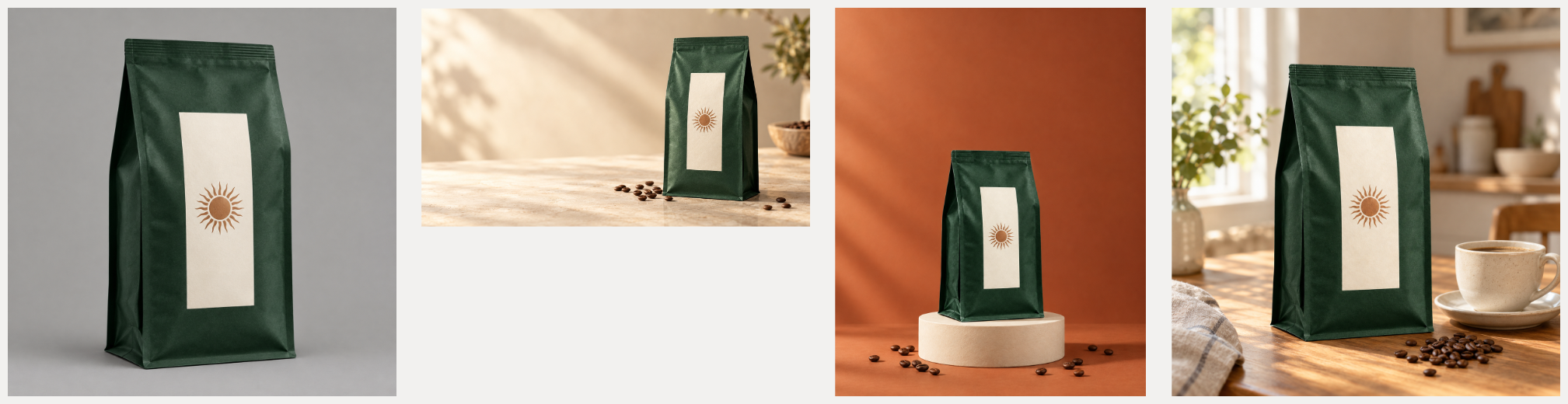
See how an AI-generated coffee package became a landscape hero, a portrait poster background and a square social image in CubbieAI Studio.
Read guide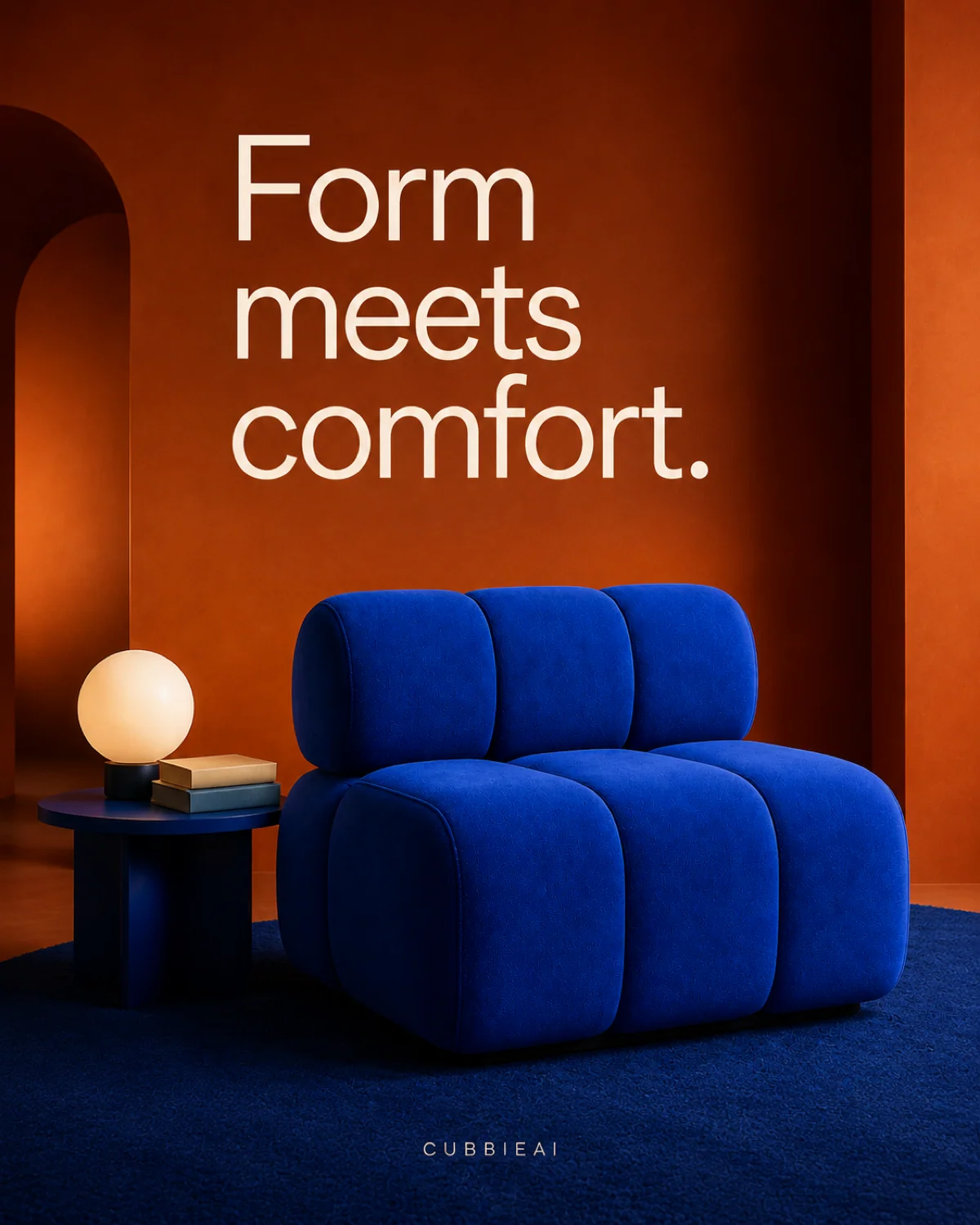
Turn a product photo into an ad with AI. Learn how to use a reference image, plan the background, add editable text, and check your design before exporting.
Read guide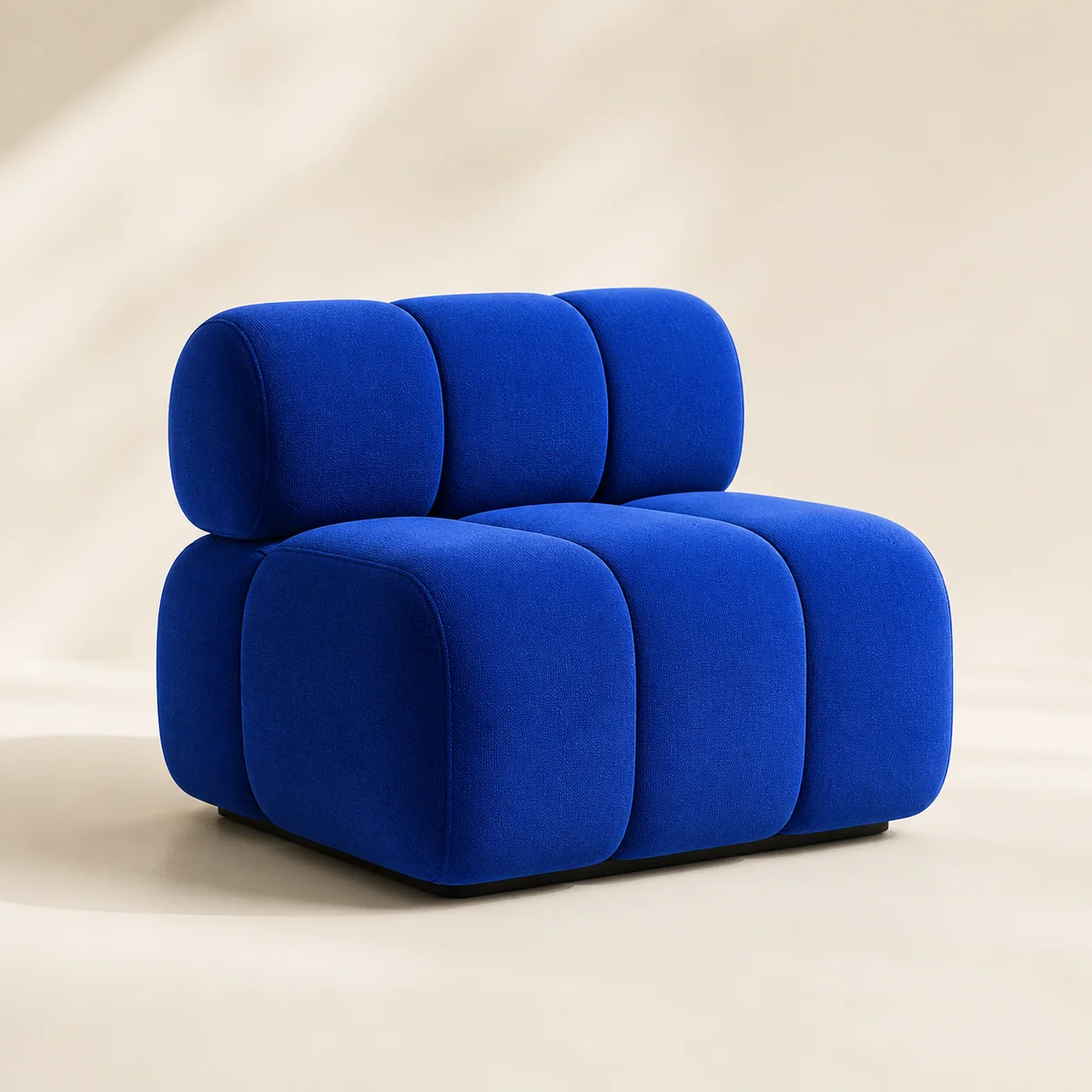
Use product and style references together in CubbieAI. Learn how to assign each image a role, write a clear prompt, and review product details in the result.
Read guide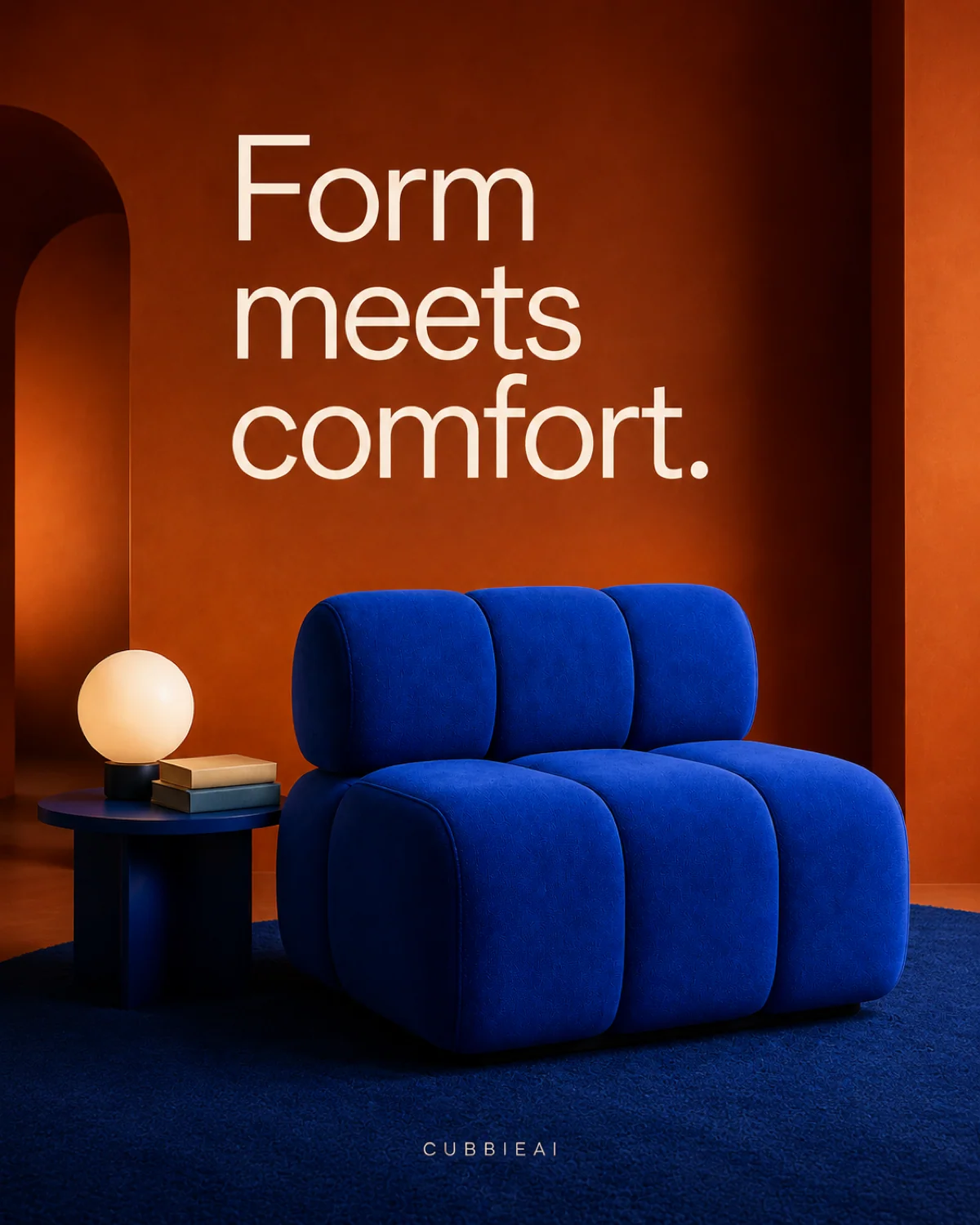
Add an editable headline, price, or call to action to an AI product image in CubbieAI. Learn how to plan space for text and keep your working layout reusable.
Read guide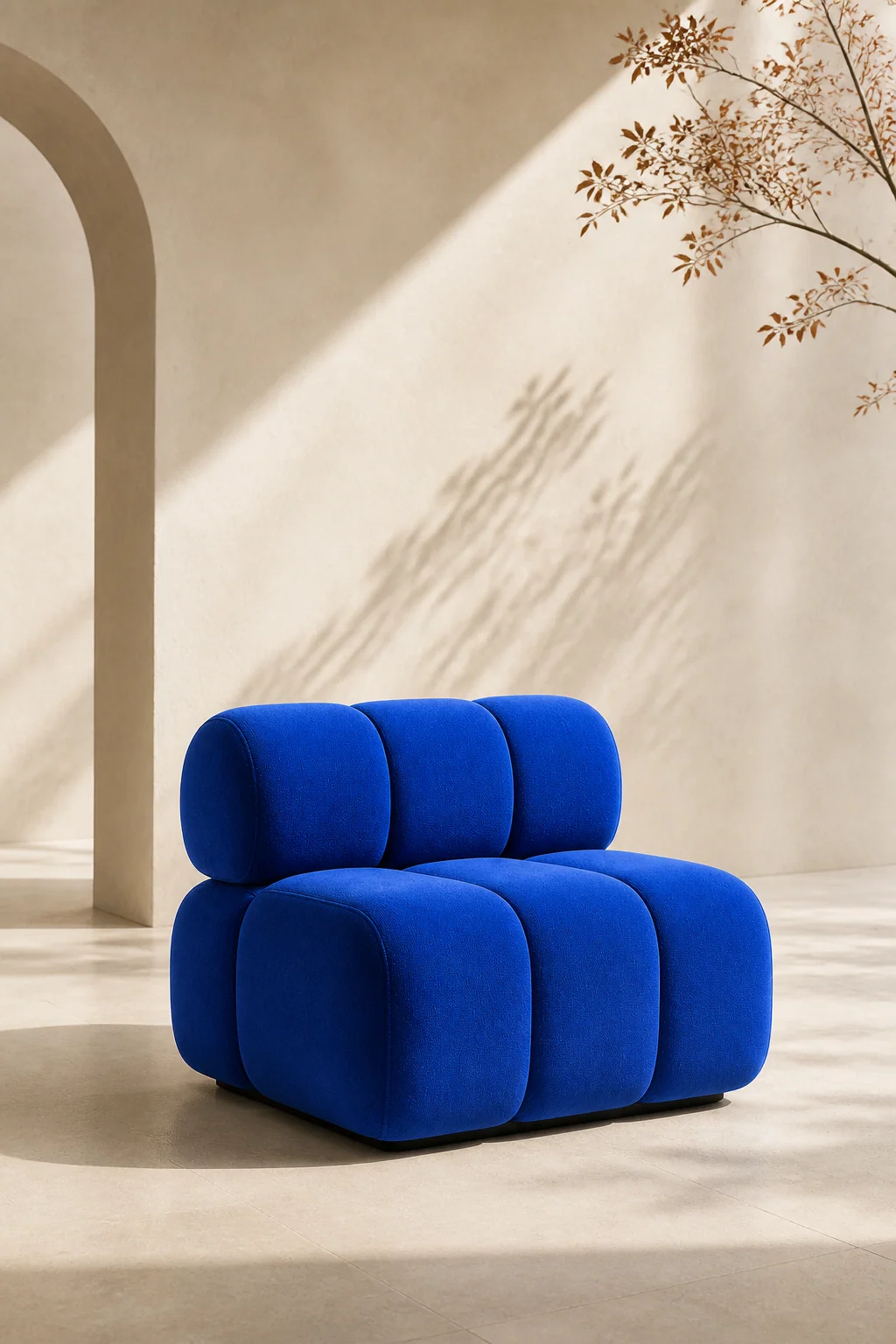
Plan product ad variations in CubbieAI by changing one creative decision at a time. Compare scenes, preserve editable copy, and prepare separate campaign versions.
Read guide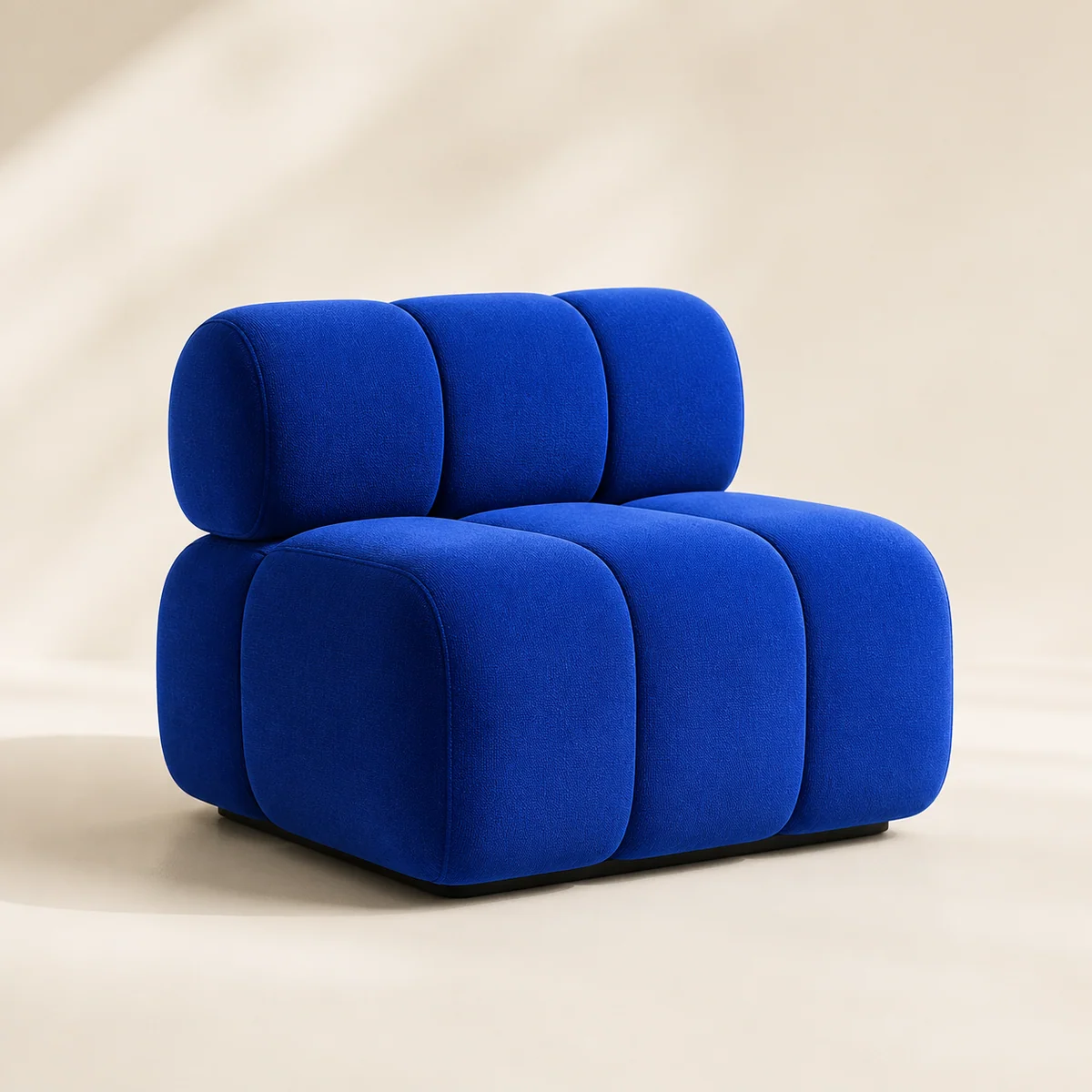
Check AI product images for changes to shape, color, labels, and materials. Use a reference-led review workflow in CubbieAI and write focused correction prompts.
Read guide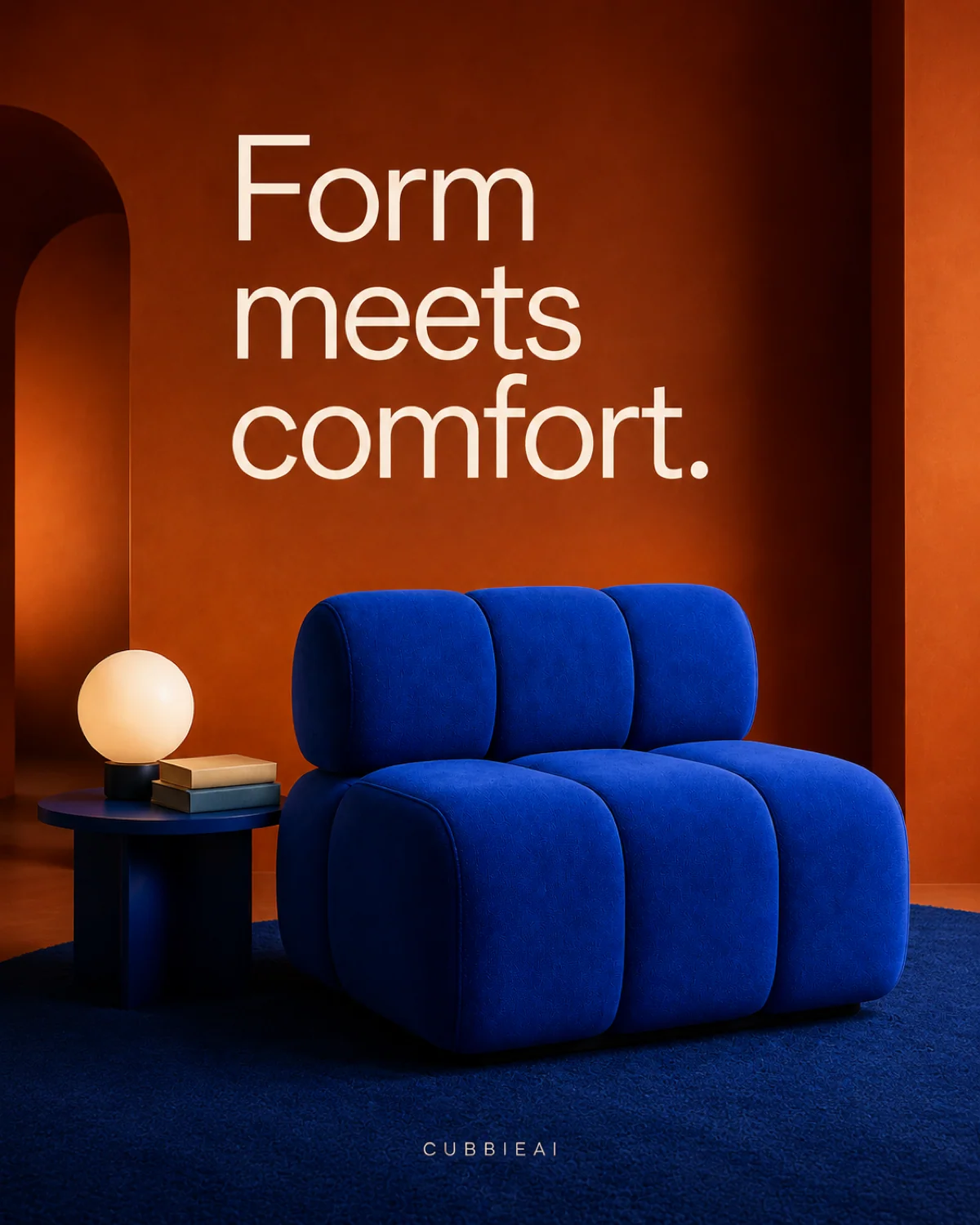
Prepare a clean CubbieAI canvas for PNG export. Keep an editable project, remove reference-board clutter, and check the downloaded ad before publishing.
Read guide