CubbieAI
ProductExamplesPricingBlog
Log inStart designing free
Account
Open Studio

Unable to log out. Try again.

AI design examples and inspiration

Explore public Studio projects and featured design examples. Open a canvas to see the work, then log in to make your own copy.
Community projects

Public Studio projects. Browse, then log in to make your own copy.
Loading projects…

Featured examples · 3 real Studio projects

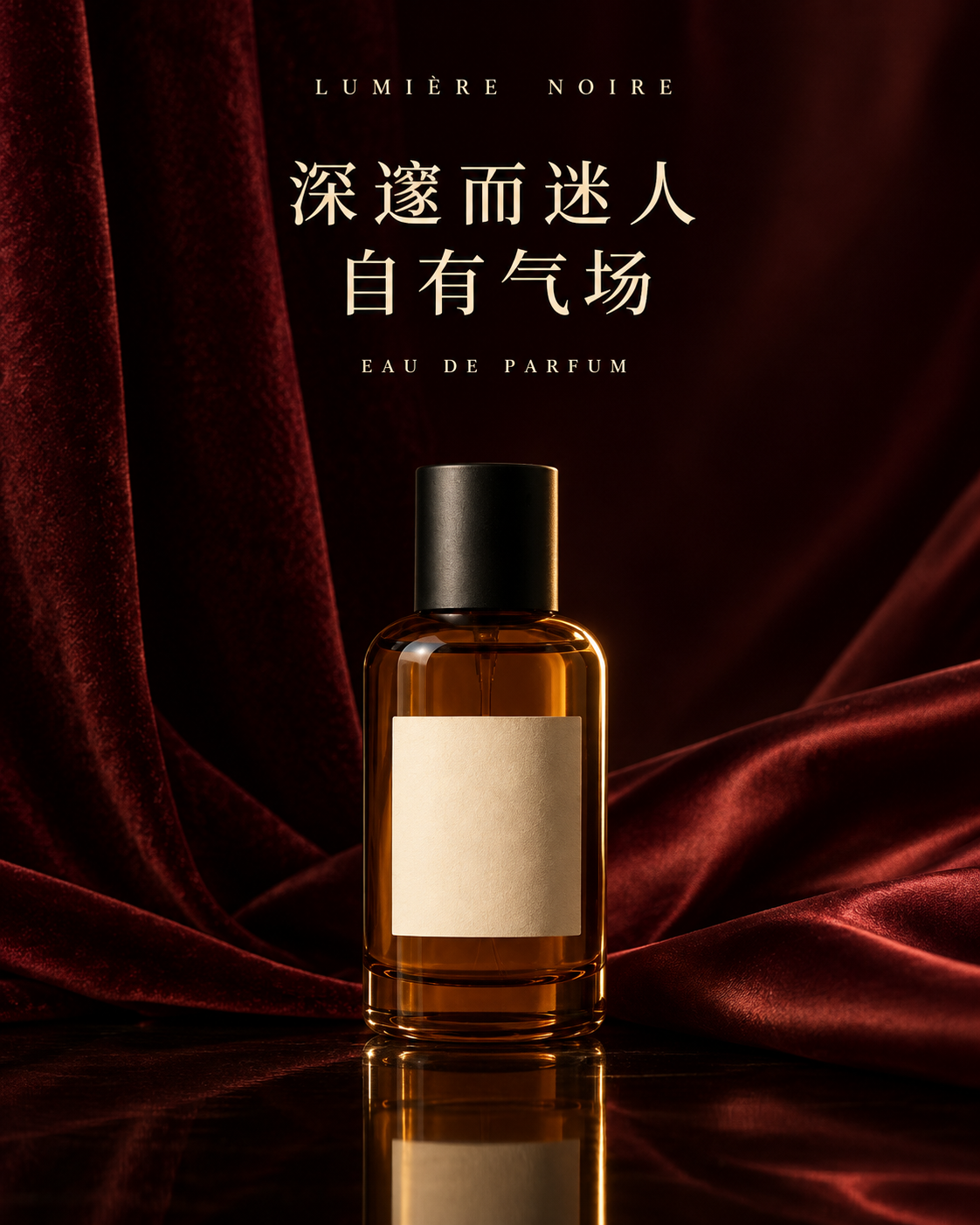
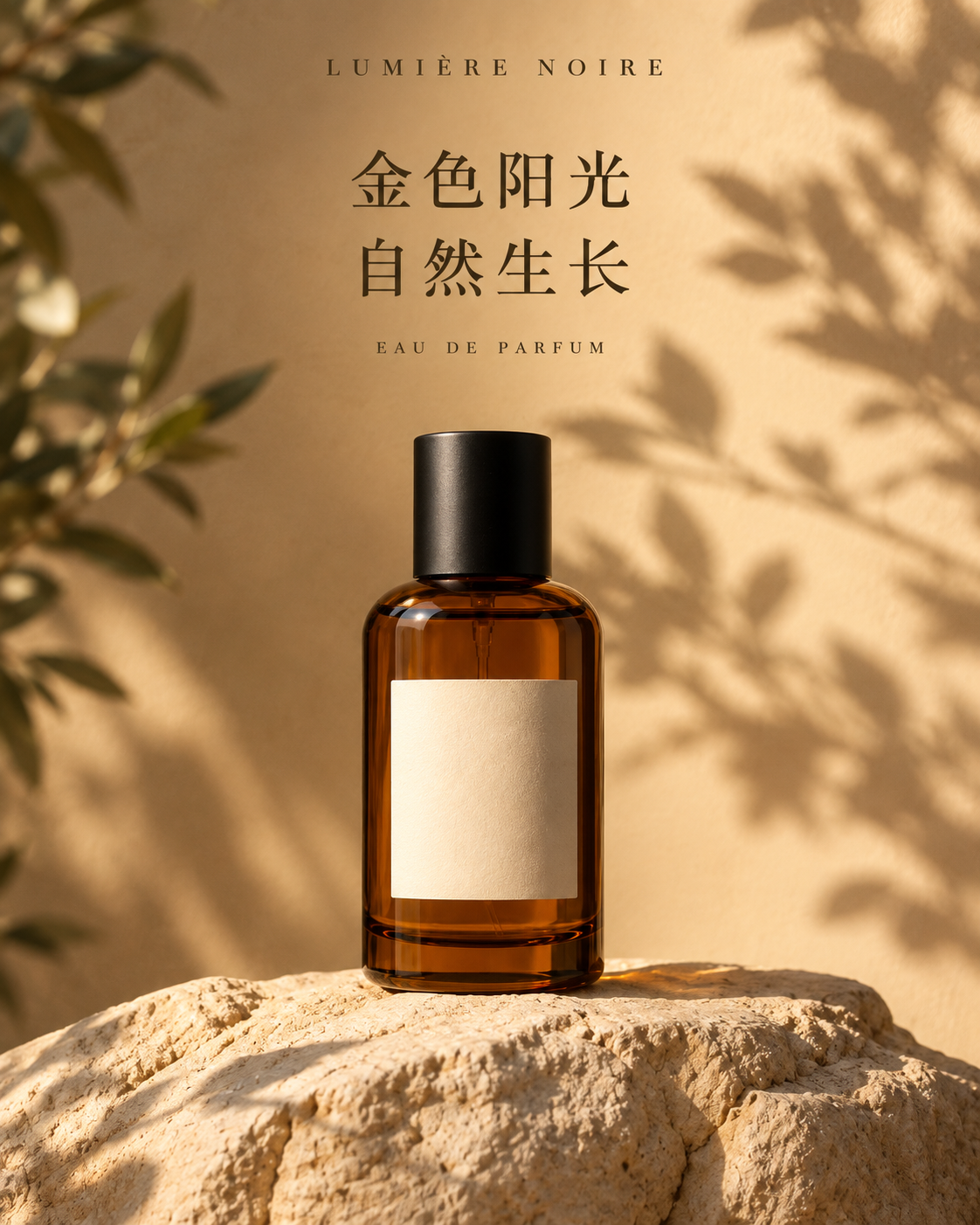
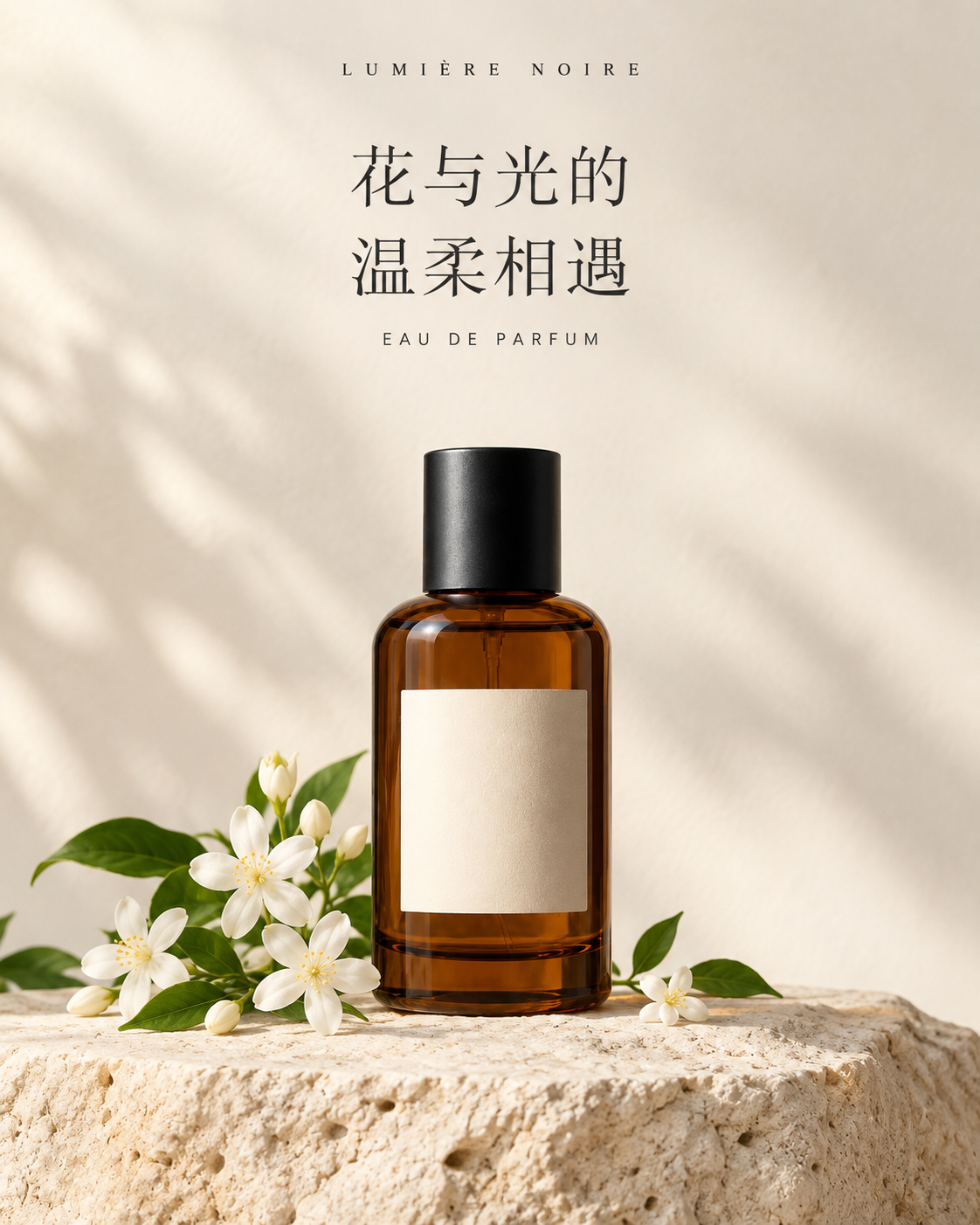
One perfume, three ad directions: exported from the Studio canvasOpen workbench ↗

Posters & ads · Made in Studio

One perfume, three ad directions

Use one perfume reference to explore sunlit botanicals, white florals and dark luxury. Open the Studio workbench to compare the source, actual prompts and three finished posters.

Explore images and prompts →
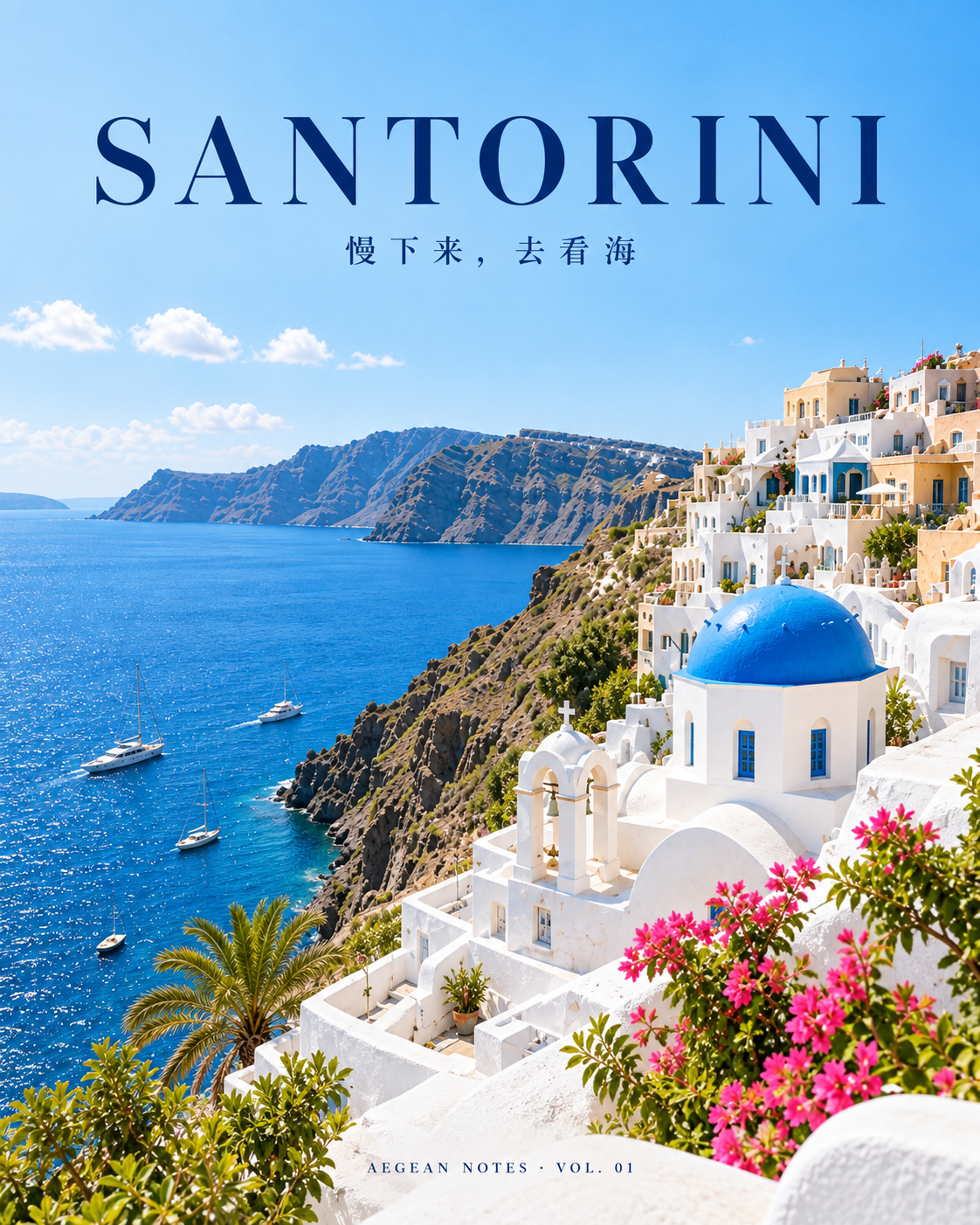
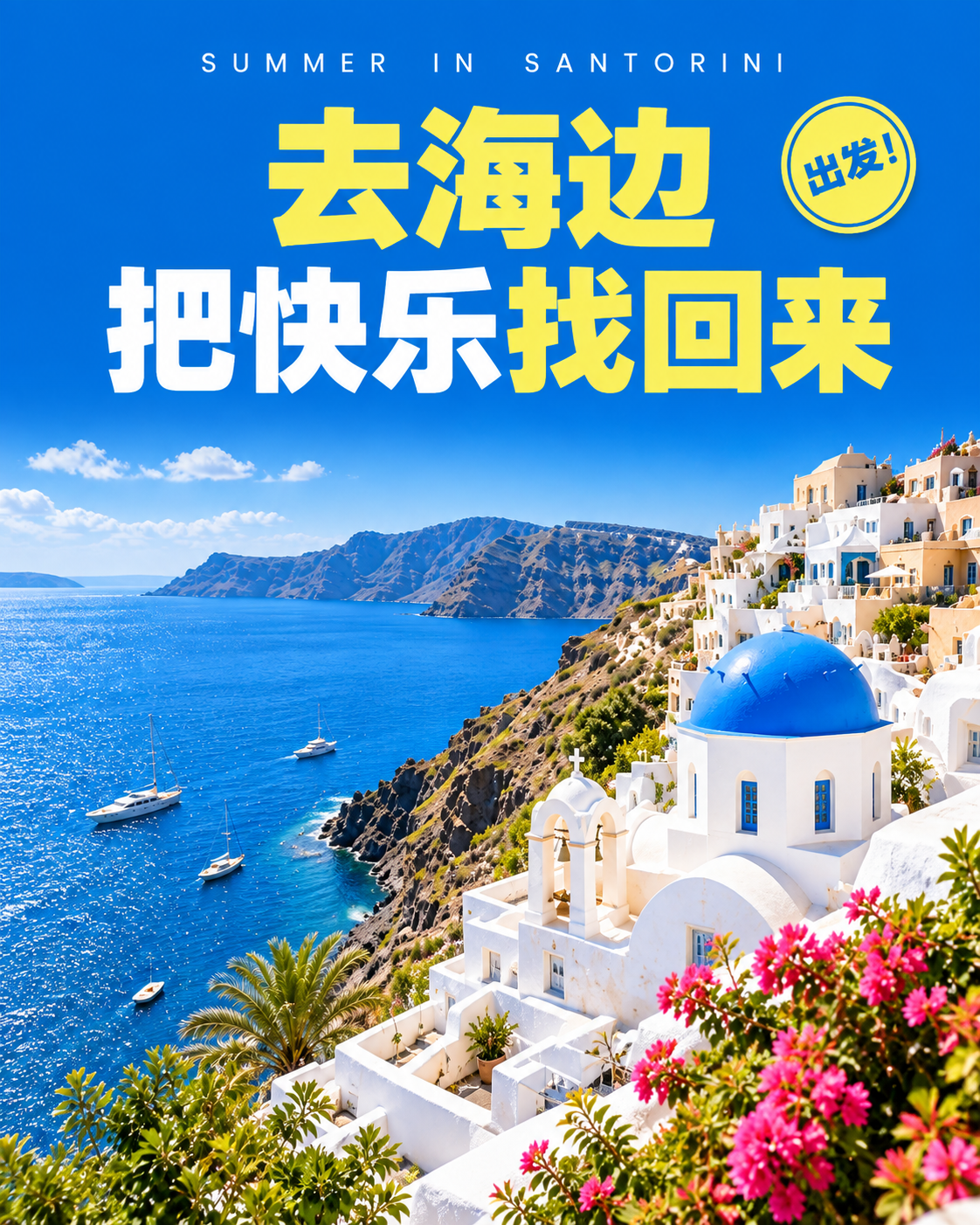
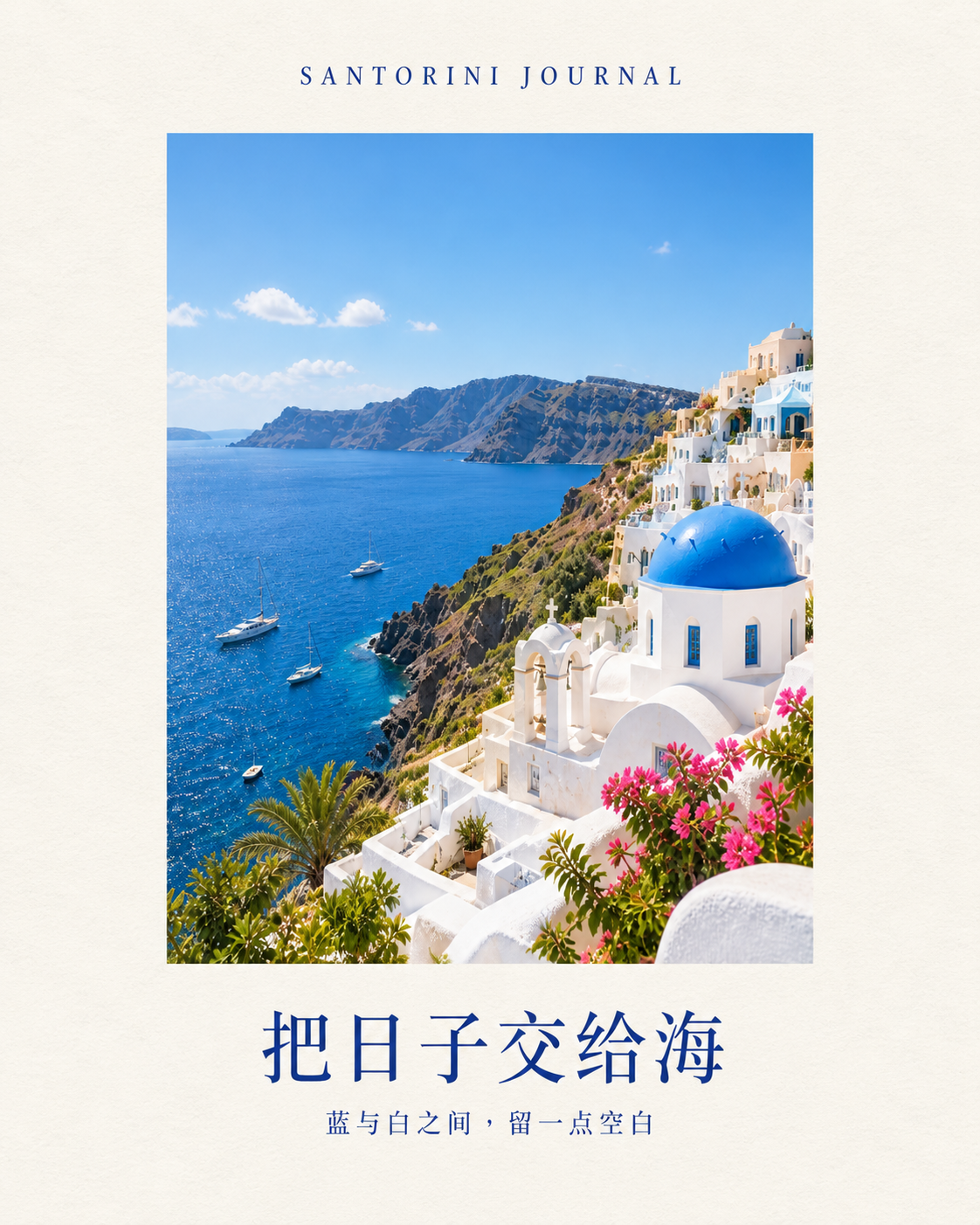
One travel photo, three cover designs: exported from the Studio canvasOpen workbench ↗

Social content · Made in Studio

One travel photo, three cover designs

Turn one island reference into a minimal journal, a travel editorial and a bold summer cover. Open the workbench to see the source, original prompts and three independent outputs.

Explore images and prompts →
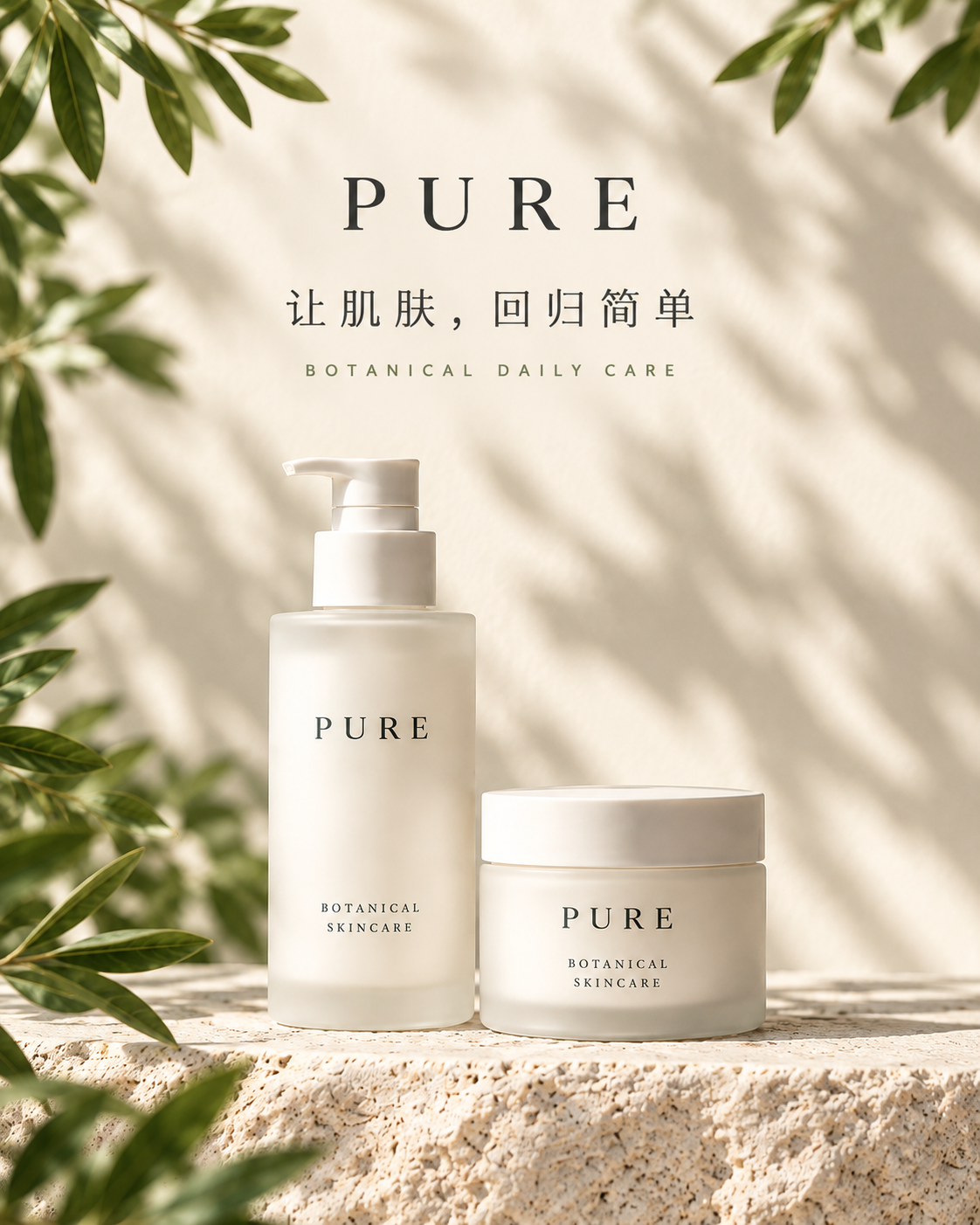
One skincare range, three brand visuals: exported from the Studio canvasOpen workbench ↗

Brand design · Made in Studio

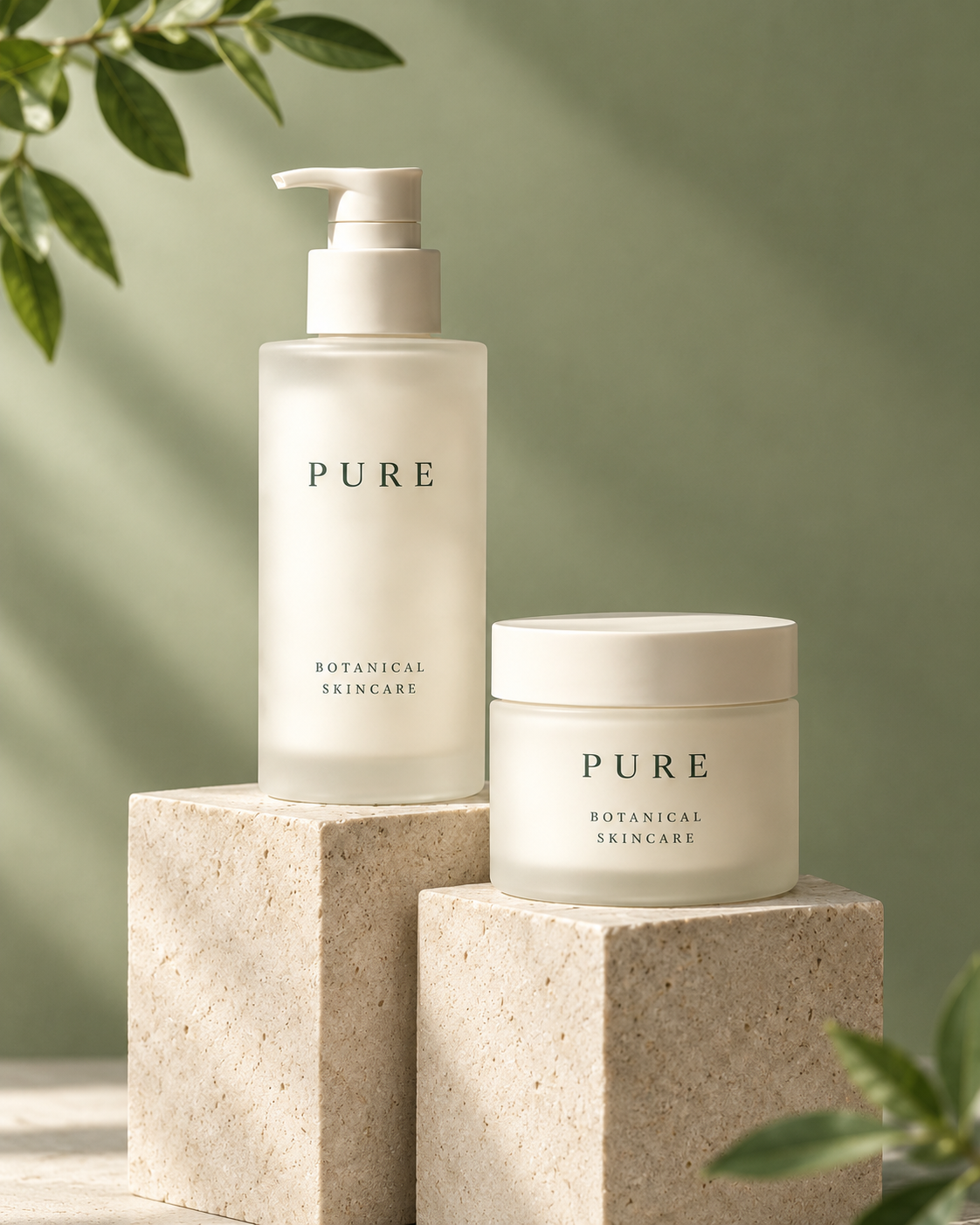
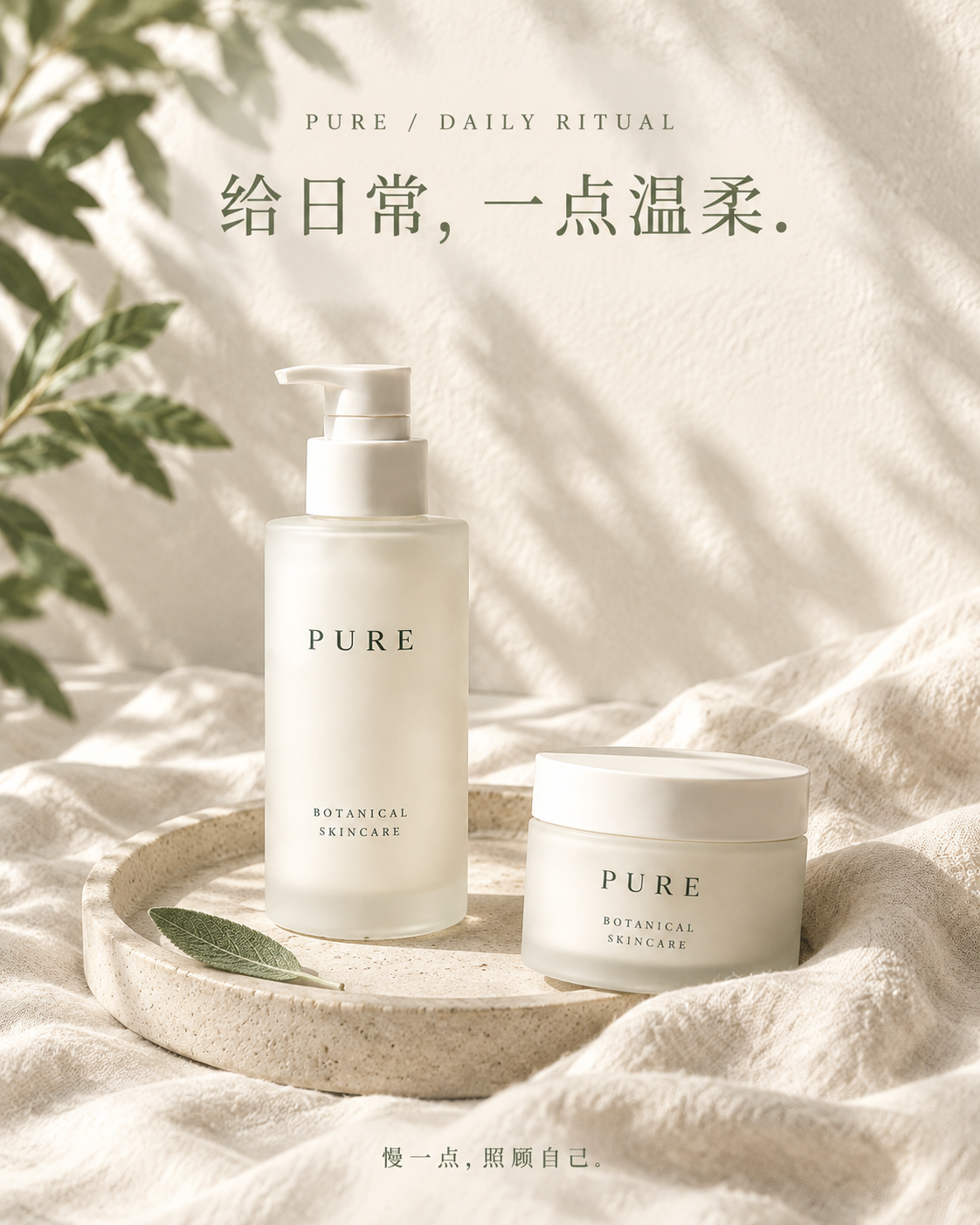
One skincare range, three brand visuals

Use one PURE skincare reference to create a brand hero, a product still life and a daily-care visual. Compare the original products, actual prompts and three Studio outputs.

Explore images and prompts →

Browse without logging in · Log in to copy to your projects

Start with an example. Make it your own.

  1. Choose a relevant use case. Product ads explore products and backgrounds, travel covers explore photos and layouts, and brand visuals explore consistency across a series.
  2. Explore the workbench and process. Compare the reference and outputs. Open “About this example” for the steps, and Task history for the original prompts.
  3. Log in, copy and continue creating. Start new tasks with your own product images, photos and copy. Check the text, image details and dimensions before publishing.

About these Studio examples

Do I need to log in to view an example?

No. Public projects open in a read-only workbench. Log in to copy an example to your projects or start a generation task.

Are the featured examples real Studio outputs and prompts?

Yes. The three featured examples include prompts submitted in Studio and the resulting images. The covers are canvas exports of those results. Original prompts and text within the artwork remain in Chinese.

How can I use an example for my own content?

Log in and select Copy to my projects, then continue with your own references and copy. Review product details, typography and publishing dimensions. New generation tasks use your account’s applicable credits and pricing.

View credits and pricing →
CubbieAI

Design complete visual campaigns with AI on one connected canvas.

Contact: [email protected]
HomeProductExamplesPricingBlog
© 2026 CubbieAI